The Short Answer: Use eero for Thread, Home Assistant for Matter
If you already own a supported eero, you do not need an Echo, Alexa pairing, or a second Thread dongle just to add a Matter-over-Thread sensor, lock, plug, or light to Home Assistant. Turn on eero's Thread network, let the eero app place its credentials on your phone, send those credentials to Home Assistant, and pair the accessory from the Home Assistant Companion app.
Matter is the common smart-home language; Thread is the low-power wireless network that many battery devices use to carry it. A Thread border router is the doorway between Thread and your regular home network. A Matter controller is the app or platform that pairs, names, and controls the accessory. In this setup, eero is the doorway and Home Assistant is the controller. The encrypted Matter conversation passes through eero, but eero does not become the owner of the device.
eero explicitly says using Matter devices on its Wi-Fi and Thread networks does not require Alexa. Home Assistant separately says it can use any working Thread border router once it has the correct Thread credentials. Home Assistant does not publish an eero-specific certification page, so this is a practical combination of two documented mechanisms rather than a named eero-and-Home Assistant partnership.
Best answer for most eero owners: Keep one Thread network, make its credentials available to Home Assistant, and let Home Assistant commission the device. Adding a second Thread radio before the first path is understood often creates two networks instead of more coverage.
First, Check the Exact eero Model
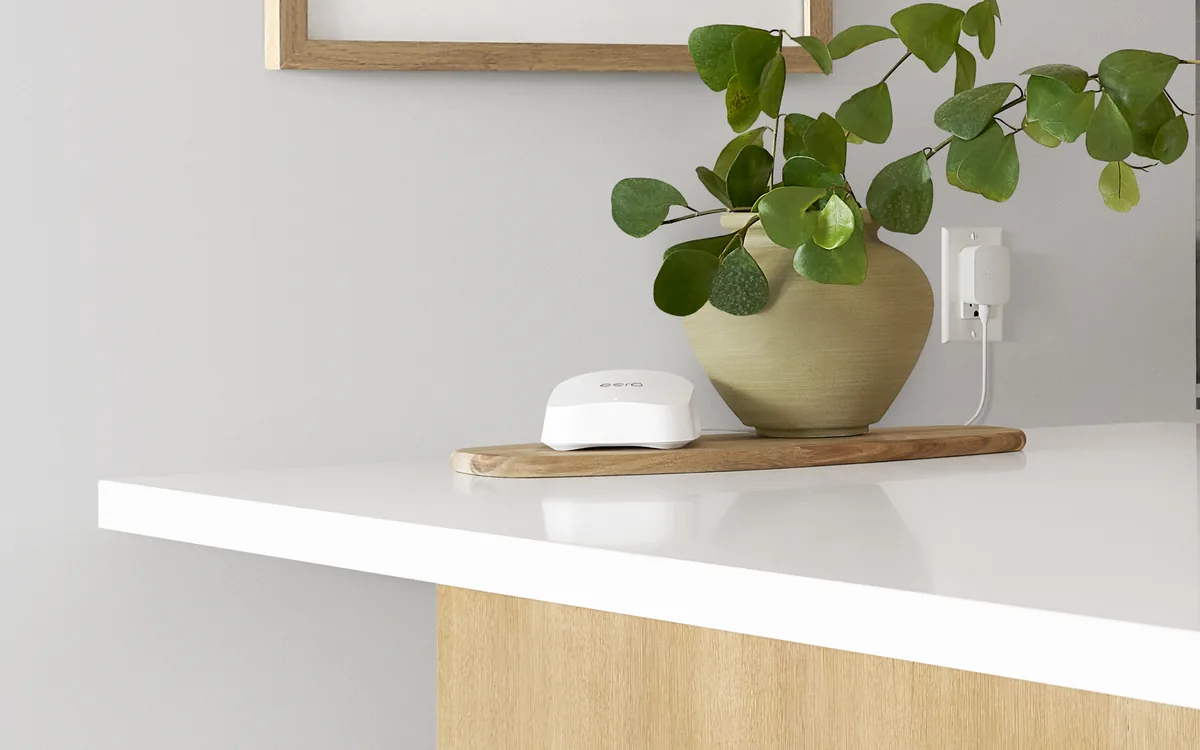
Not every box with an eero logo has a Thread radio. eero's current support page lists the following models as Thread 1.3 border routers. The photographed device in this guide is the current eero 7.
| eero model | Thread border router? | Homeowner note |
|---|---|---|
| eero 7, Pro 7, PoE 7, Outdoor 7, Max 7 | Yes, listed by eero as Thread 1.3 border routers. | Current Wi-Fi 7 family. Confirm the model name in the eero app; “7” alone is not a promise that every Amazon networking product has Thread. |
| eero Pro 6E, eero 6+, Pro 6, eero 6, PoE 6 | Yes, listed by eero as Thread 1.3 border routers. | Common existing-home choices. If one is already installed, try credential import before buying a separate Thread adapter. |
| eero Pro (Wi-Fi 5), eero Beacon (Wi-Fi 5) | Yes, despite their age, both appear on eero's current Thread list. | Do not confuse these with the base Wi-Fi 5 eero. |
| Base Wi-Fi 5 eero and first-generation eero | No, eero says these do not support Thread. | Use another compatible border router or a Home Assistant Thread radio. |
| eero PoE Gateway | Not on eero's Thread border-router list. | It appears on eero's separate Matter-controller list. A product being a Matter controller does not automatically give it a Thread radio. |
That last distinction prevents an expensive mistake. eero publishes one list for Thread border routers and another for eero devices that can act as Alexa-linked Matter controllers. This guide needs the Thread border-router list. It does not need eero's Matter-controller feature.
The Setup Order That Avoids Alexa
1. Enable Thread in the eero app
Update eero and the eero mobile app, then open Settings > Advanced networking > Thread. Enable Thread and leave Mobile Credential Sharing on. eero says credential sharing is enabled by default. It places the Thread network's secret dataset in the Apple or Google credential store on the phone.
Use the same iPhone or Android phone for the next steps. Keep it on the eero home network, near the new accessory, with Bluetooth enabled. Do not link eero to Amazon merely to make this step work; eero account access and Amazon account linking are separate.
2. Send the phone's Thread credentials to Home Assistant
In Home Assistant, open Settings > Devices & services > Thread, then choose Configure. On Android, use Import Credentials. On iPhone, use Send credentials to Home Assistant. Refresh the Thread page after the transfer.
Find eero's Thread network and look for the credential or key icon. Then choose Make preferred. “Preferred” tells the Companion app which Thread network to use when it commissions a new device. It does not make one physical eero the master router, move existing devices, or force traffic through a particular mesh node.
3. Add the Matter device from Home Assistant
For the supported path, run Home Assistant OS with the official Matter Server app and the Matter integration. In the Home Assistant Companion app, choose to add a Matter device, say it is new, and scan the device's Matter QR code. Keep the phone, accessory, and an eero node close together for the first pairing.
If Apple Home, Google Home, Alexa, or SmartThings already controls the accessory, do not factory-reset it. Generate a fresh Matter sharing code from that working platform, then add it to Home Assistant as a device that is already in use. Tara's Matter multi-admin guide explains that separate controller-sharing step.
4. Verify the local path before adding more devices
Operate the accessory from its Home Assistant device page and confirm that state changes return promptly. Then test one harmless automation. For a non-critical plug or lamp, a brief internet-disconnection test can confirm that normal Home Assistant Matter commands remain local. Do not begin with a lock, alarm, water valve, heater, garage door, or medical device.
Why Home Assistant May See eero but Still Show No Key
Thread discovery and Thread credentials are different. eero can announce the name of its Thread network over your LAN, so Home Assistant may display it automatically. Those announcements deliberately do not include the secret dataset needed to commission a new device. A visible eero network with no key icon means “discovered,” not “ready to use.”
Home Assistant can configure and deeply inspect OpenThread border routers that expose the standard REST interface. eero does not expose that Home Assistant management path. Home Assistant can still use eero to route Matter traffic after credential import, but it cannot change eero's Thread channel, rotate its dataset, restart its Thread radio, or promise the same diagnostics it offers with its own OpenThread radio.
Home Assistant's preferred-network feature is also still incomplete. Commissioning follows the network preferred by the phone, which is why an old Apple, Google, or previous Home Assistant dataset on that phone can send a new device to the wrong mesh even when the Home Assistant screen looks correct.
Official Support, Local Control, Cloud, Matter, and HomeKit
Local control here means routine commands travel inside the home after setup. It does not mean every account, firmware update, or credential backup disappears.
| Path | Official support | Local control | Cloud or account dependency | Matter / HomeKit path | Community caveat |
|---|---|---|---|---|---|
| eero Thread + Home Assistant Matter | eero officially documents Thread routing and phone credential sharing. Home Assistant officially documents third-party border routers and credential import. There is no eero-specific Home Assistant certification. | Normal Matter commands are encrypted and local. eero forwards traffic but does not read the Matter conversation. | eero initially needs its app, an eero account, and internet. Apple or Google may sync the dataset through the phone's account. | Home Assistant owns its Matter fabric. eero is transport only. A HomeKit-only accessory does not become Matter through eero. | Phone credential stores and preferred-network mismatches are the common trouble spots. |
| eero as an Alexa Matter controller | Official eero feature on eero's separate controller-model list. | Local Matter transport can still be used, but Alexa is the controller experience. | Requires linking eero and Amazon accounts and using Alexa. An Echo speaker is not required; the Alexa app can be the controller. | Add Home Assistant later through Matter multi-admin if wanted. | This adds another fabric and account path; it is unnecessary when Home Assistant should be the first controller. |
| Apple Home plus Home Assistant | Official Matter multi-admin path on supported accessories. | Both controllers can issue local Matter commands when their required home infrastructure is available. | Apple account, home sync, remote access, and some setup services use Apple infrastructure. | Share the Matter accessory between fabrics. eero does not replace an Apple Home hub or turn HomeKit-only hardware into Matter. | Apple's preferred Thread dataset on the iPhone may differ from Home Assistant's selection. |
| Home Assistant Connect ZBT-2 as OpenThread border router | Official Home Assistant hardware and managed OpenThread path. | Local Thread and Matter control. | No vendor cloud is required for the Thread radio; Home Assistant updates and remote access are separate choices. | Home Assistant can own and manage the Thread dataset. Apple, Google, Alexa, and SmartThings remain separate Matter controllers. | Do not add it casually beside an established eero Thread mesh; plan one preferred dataset and migrate deliberately. |
eero's built-in Zigbee hub is another separate feature. eero says Zigbee activation requires linking eero and Amazon accounts and controlling those devices through Alexa. Thread routing without Alexa does not imply eero Zigbee without Alexa.
When eero Is the Right Border Router—and When It Is Not
Use the existing eero when
- You already have a model on eero's current Thread border-router list.
- You accept the eero app/account and Apple or Google phone-credential path.
- You want Home Assistant as the Matter controller and do not need Home Assistant to manage the Thread radio.
- Your phone and Home Assistant share a simple home LAN where IPv6 and local discovery work.
Choose a Home Assistant Connect ZBT-2 or another managed OpenThread path when
- You are buying Thread infrastructure specifically for Home Assistant rather than reusing an eero mesh.
- You want Home Assistant to create, manage, back up, and diagnose the Thread dataset directly.
- You need OpenThread logs, channel control, or a clearly owner-controlled no-vendor-cloud radio path.
- Your eero model lacks Thread or its credentials cannot be imported reliably on your phone.
A ZBT-2 is not automatically “better range” than several well-placed eero nodes. It is better ownership and visibility for a Home Assistant-first house. Tara's Thread border-router decision guide compares that tradeoff with Apple, Google, Amazon, and SmartThings hardware.
Safe Troubleshooting, in Order
Home Assistant shows eero but there is no credential key
- Confirm the exact eero model is on the Thread border-router list.
- In the eero app, verify Thread and Mobile Credential Sharing are enabled.
- Keep the phone on the eero LAN and repeat Import Credentials on Android or Send credentials to Home Assistant on iPhone.
- Refresh Home Assistant's Thread page and look for the key icon before choosing Make preferred.
- Update the eero app, Home Assistant Companion app, Home Assistant OS, Matter Server, and phone OS before using destructive fixes.
The key is present, but commissioning still fails
Put the phone and new accessory close to an eero node. Keep Bluetooth on for discovery. Confirm Home Assistant, phone, and eero can exchange local IPv6 and mDNS traffic; guest Wi-Fi, client isolation, VLAN boundaries, custom firewall rules, and some container network layouts can interrupt commissioning. Home Assistant OS with the official Matter Server app is the supported server path; custom Matter Server and container networking add variables.
Next, check which Thread network the phone prefers. A leftover Apple, Google, or previous Home Assistant dataset can win the commissioning handoff. Android credential-import and preferred-network problems remain documented in Home Assistant community reports and open Companion app issues, so a failed import is not proof that eero's radio is broken.
Do not regenerate eero's Thread credentials as a routine fix
eero warns that regeneration creates a new Thread network. Existing Thread products can remain on the old mesh and may need a factory reset and fresh commission. Turning credential sharing off also does not erase keys already held by Apple or Google. Inventory the networks and repair the phone-to-Home Assistant credential transfer first.
Do not install the OpenThread Border Router app without a Home Assistant Thread radio
The OpenThread Border Router app controls a compatible radio attached to Home Assistant. It does not reach into eero or make Home Assistant manage eero's Thread radio. Installing it without the hardware does not improve the eero path; adding it with hardware creates another border-router path that must share the intended dataset.
The Calm Homeowner Recommendation
If a supported eero already covers your home, try it before buying more Thread hardware. Keep eero in the narrow job it already does well: radio coverage and routing. Give Home Assistant the eero Thread credentials, confirm the key icon, make that network preferred, and commission a single non-critical Matter device directly from Home Assistant.
Skip Amazon linking unless you deliberately want Alexa to be another Matter controller. Choose a ZBT-2 instead when direct Home Assistant ownership and diagnostics matter more than reusing eero. Above all, do not rotate credentials or reset the house because one phone failed to pass a key. Thread failures become manageable when the network, controller, and account roles stay separate.
Frequently Asked Questions
Does eero need Alexa to be Home Assistant's Thread border router?
No. Enable eero's Thread credential sharing, import the network into Home Assistant through the Companion app, and add the Matter device from Home Assistant. Alexa is needed only if you want eero itself to act as a Matter controller.
Which eero models can route Thread devices?
eero currently lists eero 7, Pro 7, PoE 7, Outdoor 7, Max 7, Pro 6E, 6+, Pro 6, 6, PoE 6, Pro Wi-Fi 5, and Beacon Wi-Fi 5. eero says the base Wi-Fi 5 eero and first-generation eero do not support Thread.
Why can Home Assistant see eero's Thread network but not use it?
Discovery shares the network name but not its secret dataset. Transfer the phone's credentials to Home Assistant, refresh the Thread page, and look for the key icon. A name without that icon is not ready for direct Home Assistant commissioning.
Is this setup fully cloud-free?
No. Routine Home Assistant Matter commands are local, but eero requires its app, an account, and internet for initial setup. Mobile credential sharing can also sync the Thread dataset through Apple iCloud or Google Play services when the phone is signed in.
Should I regenerate eero's Thread credentials when pairing fails?
No. Regeneration creates a new Thread network and can force Thread devices to be reset and commissioned again. Repair credential import, preferred-network selection, IPv6, mDNS, and LAN isolation first.