Short Answer: Yes for Matter Eve, Not for Every Old Eve
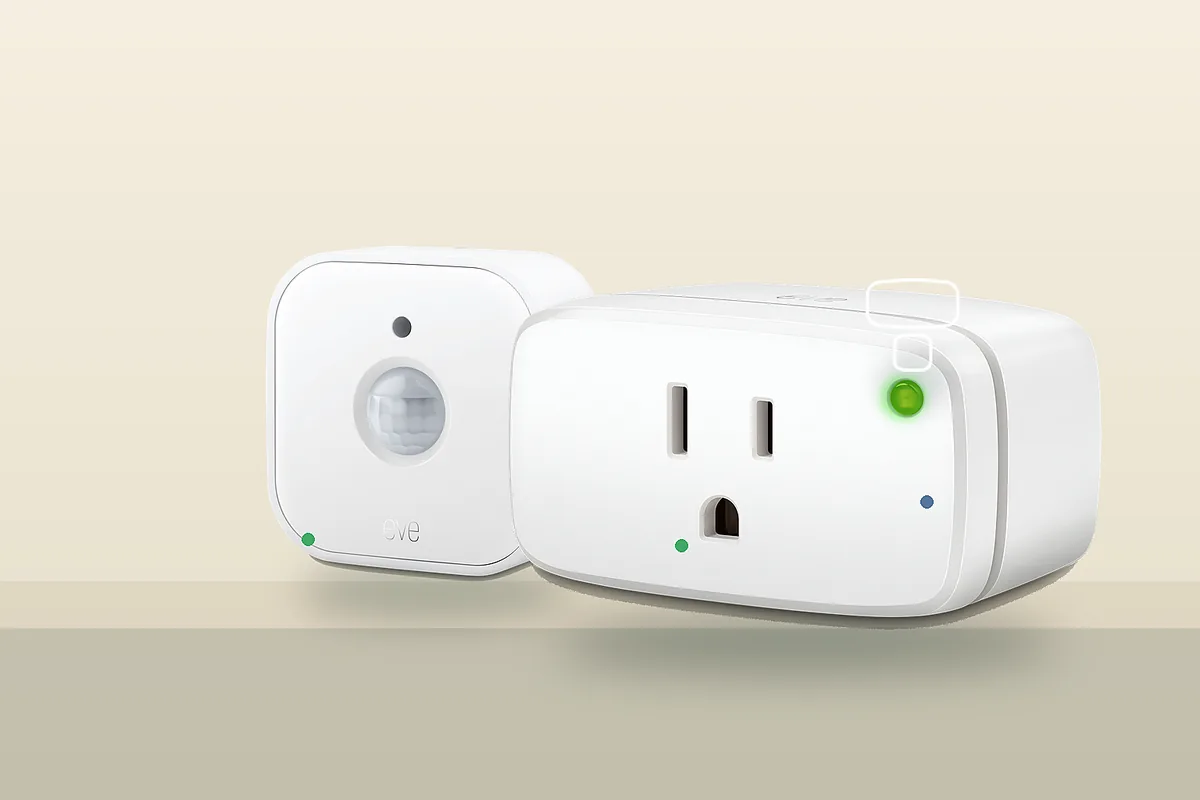
You can use current Eve Matter-over-Thread devices with Home Assistant without making Apple Home the owner. The clean path is Home Assistant's Matter integration, a Thread border router, and an Eve device that already has Matter support. Good examples from Home Assistant's Eve documentation include Eve Energy, Eve Door & Window, Eve Motion, Eve Weather, Eve Thermo, Eve Energy Outlet, Eve Energy Outdoor, Eve light controls, and Eve MotionBlinds.
The trap is older Eve hardware. Some Eve products were sold as Bluetooth or HomeKit-over-Thread devices before they had Matter firmware. Home Assistant's Eve page and Eve's own Matter upgrade guide both warn that these models may need an Apple upgrade path before they can be added through Matter. In plain English: Thread is the radio, Matter is the control language. A Thread device is not automatically a Matter device.
If you already have Eve devices working in Apple Home through HomePods or Apple TV, do not factory reset everything just to start over. Use Matter sharing from Apple Home to Home Assistant when the device is already Matter. If Home Assistant is a fresh local-first build, pair new Eve Matter devices directly to Home Assistant first and use Apple, Google, or SmartThings only when the household needs those apps too.
Tara's rule: use Eve Matter devices as local Home Assistant devices, but keep one owner for real automations. Family apps can be control surfaces. They should not become extra brains with duplicate rules.
The Three Terms That Decide the Setup
Matter is the smart-home control standard Home Assistant uses to talk to the Eve device. Home Assistant's Matter integration runs a Matter controller and controls Matter devices locally.
Thread is the low-power mesh network many Eve devices use instead of Wi-Fi. A Thread border router connects that mesh to your normal home network. Home Assistant can use its own OpenThread setup or certain third-party border routers, but setup details differ by ecosystem.
HomeKit is Apple's older smart-home accessory path. HomeKit Device in Home Assistant can bring some HomeKit accessories into Home Assistant, while HomeKit Bridge exposes Home Assistant entities to Apple Home. Neither one is the same as adding a Matter device.
Which Eve Path Should You Use?
This table separates official support, local behavior, Matter and HomeKit paths, and the caveats homeowners usually discover too late.
| Situation | Official support | Local control and cloud dependency | Correct setup path | Main caveat |
|---|---|---|---|---|
| New Eve Matter-over-Thread device Examples: Eve Energy, Eve Motion, Eve Door & Window, Eve Weather, Eve Energy Outlet, Eve Energy Outdoor. |
Home Assistant lists Eve as a Works with Home Assistant partner for Matter products and lists supported devices on the Eve integration page. | Matter control is local. Eve's product pages emphasize no Eve cloud, no registration, and no subscription for core operation. | Add through Home Assistant's Matter integration. Use a working Thread border router and the Home Assistant Companion app for commissioning. | Check for the Matter logo or official model support. Thread alone is not enough. |
| Eve device already in Apple Home and already upgraded to Matter Common when HomePod mini or Apple TV 4K already owns Thread. |
Home Assistant's Matter docs support sharing a device from another Matter controller, and Eve documents adding a second platform. | Home Assistant control can still be local; Apple Home remains another controller. Apple remote access, Siri, and Home app behavior remain Apple ecosystem features. | In Apple Home, turn on pairing mode for the accessory and use the fresh Matter setup code to add it to Home Assistant as already in use. | Do not reuse the original box QR code after the device is already commissioned. Generate a new sharing code. |
| Older Eve HomeKit-over-Thread device that is not Matter yet Common with older Eve Energy, Eve Thermo, Eve Motion, or Eve Door & Window units. |
Eve's upgrade guide says selected devices can migrate from HomeKit to Matter, and Home Assistant notes that some older Eve devices need this first. | Before the Matter upgrade, it is not a Matter device. After the upgrade, Matter control can be local, but the upgrade process itself may require Apple hardware. | Use Eve's upgrade process with an iPhone or iPad and a supported Apple Thread border router when required, then add or share the device through Matter. | Eve says the Matter migration cannot be reversed. Save the new Matter setup code. |
| Eve Energy for power monitoring Useful for lamps, small appliances, and energy automations. |
Eve announced Matter energy reporting support for Eve Energy and Home Assistant documents Eve Energy as supported. | Switching and status are local through Matter. Energy reporting support depends on firmware and platform support. | Update firmware, add through Matter, then check Home Assistant entities for power, voltage, amperage, and consumption where exposed. | Eve app graphs, historical views, schedules, and manufacturer-specific controls may not appear identically in every platform. |
| Eve cameras or HomeKit-only accessories Examples: Eve Cam and Eve Outdoor Cam are not the same decision as Eve Matter Thread sensors. |
Home Assistant's Eve Matter list is for Matter devices. HomeKit Device and HomeKit Bridge are separate Home Assistant integrations. | Camera recording, HomeKit Secure Video, remote viewing, and notifications can depend on Apple or the camera platform. | Do not treat these as Matter-over-Thread devices. Check HomeKit Device support or use the native ecosystem intentionally. | Do not promise no-cloud camera behavior without checking recording path, storage, remote access, and privacy settings. |
Path 1: Add a New Eve Matter Device Directly to Home Assistant
Use this path when the device is new, supports Matter out of the box, and Home Assistant should be the automation brain.
- Confirm the device is Matter, not just Thread. Check the box, product page, or Eve/Home Assistant supported-device list.
- Make sure Thread exists. A Thread border router is required for Thread Eve devices. That can be a Home Assistant OpenThread setup, Home Assistant Yellow/Connect radio configured for Thread, Apple TV, HomePod, Nest Hub, Nest Wifi Pro, Google TV Streamer, or another compatible router.
- Install the Matter integration. Home Assistant OS is the supported path for the official Matter Server app. Container setups can work, but Home Assistant marks them as unsupported and at your own risk.
- Use the Home Assistant Companion app near the device. Matter commissioning uses the phone for Bluetooth setup, so stand near the Eve device and the Thread border router.
- Add it as new. Go to Settings > Matter in the Home Assistant app, add a device, and scan the Matter code.
- Rename and test before automating. Toggle Eve Energy, trigger Eve Motion, open Eve Door & Window, or verify Eve Weather values before writing rules.
This path keeps Apple out of the ownership chain. You can still share the device to Apple Home later if the family wants Siri or the Home app.
Path 2: Share an Existing Apple Home Eve Device to Home Assistant
Use this path when Eve devices already work in Apple Home and you do not want to rebuild a stable Thread network. The device must already be Matter. If it is HomeKit-only, this is not the same process.
- Open Apple Home. Press and hold the Eve accessory tile, open accessory details, and turn on pairing mode.
- Use the fresh setup code. Apple Home will show a new Matter sharing code. Use that code quickly.
- Add it in Home Assistant as already in use. In the Home Assistant app, go to Settings > Matter, add a device, and choose that it is already paired to another controller.
- Keep Apple as a control surface if needed. Let Home Assistant run the serious local automations, and use Apple Home for family app control or Siri.
If this fails, resist the urge to delete the device everywhere first. Check Matter integration health, Thread reachability, IPv6, phone app version, and whether the device is actually Matter.
When Apple Is Still Required
You do not need Apple Home for every Eve Matter-over-Thread install. You may need Apple hardware for a very specific reason: upgrading older Eve HomeKit devices to Matter.
Eve's upgrade guide says the migration from HomeKit to Matter requires an iPhone or iPad. The same guide says supported Apple home hubs, such as HomePod mini, HomePod 2nd generation, or certain Apple TV 4K models, act as Matter controllers and Thread border routers during that process. Home Assistant's Eve page repeats the practical warning: some older Eve devices need this upgrade before Home Assistant can add them through Matter.
That means the buying advice is simple: if you do not own Apple hardware, buy Eve models that already ship with Matter support. Do not buy old stock hoping Home Assistant will upgrade it for you.
Matter, HomeKit Device, and HomeKit Bridge Are Different Tools
Use Matter for Eve devices that support Matter. This is the normal path for Eve Matter-over-Thread devices in Home Assistant.
Use HomeKit Device only when you have a HomeKit accessory that Home Assistant can pair with directly. Home Assistant's HomeKit Device docs warn that HomeKit devices can only be paired to one controller at a time. That is different from Matter multi-admin, where a Matter device can be shared with multiple controllers.
Use HomeKit Bridge when you want Apple Home to see selected Home Assistant entities. This is for exporting from Home Assistant to Apple Home, not for adding an Eve Matter device into Home Assistant.
What Stays Local and What Might Not
For supported Eve Matter devices, the everyday on/off, sensor, and status control path in Home Assistant is local. Home Assistant says Eve Matter devices work locally through the Matter integration. Eve's messaging for Eve Energy emphasizes no Eve cloud, no registration, and no subscription.
That does not mean every feature in every app is identical. Firmware updates, Eve app graphs, historical energy views, schedules, voice assistants, remote access, Apple Home features, Google Home features, and SmartThings behavior are separate from basic local Matter control. Matter gets the device into Home Assistant. It does not guarantee that every vendor-specific screen from the Eve app appears in Home Assistant.
If Pairing Fails, Try This Order
- Confirm the device is Matter. If it is HomeKit-only, use the Eve upgrade path first or use HomeKit Device where appropriate.
- Update Home Assistant and the Companion app. The Matter integration and phone commissioning flow change over time.
- Check the Thread border router. Thread devices need a reachable Thread mesh. If Home Assistant owns Thread, confirm the Thread and Matter integrations are healthy. If Apple or Google owns Thread, confirm Home Assistant can reach that network.
- Keep the phone close. Matter setup uses Bluetooth during commissioning, so distance matters.
- Use the right code. New device: use the Matter QR or setup code. Already in Apple Home: create a new sharing code from Apple Home.
- Check IPv6, mDNS, and VLANs. Matter is local IP-based. Segmented networks can break discovery or controller-to-device reachability.
- Reset only after you know what you will lose. Older Eve upgrades generate a new Matter setup code. Save it before depending on a reset path.
Tara Recommendation
For a fresh no-cloud Home Assistant build, buy current Eve devices that already support Matter and pair them to Home Assistant first. That is the cleanest local-first path.
For an Apple household that already has HomePods, Apple TV, and working Eve Thread devices, do not tear down the Apple network just to prove a point. Share Matter Eve devices to Home Assistant, then move the real automations into Home Assistant over time.
For older Eve HomeKit-only devices, decide whether the Apple upgrade requirement is acceptable. If not, buy Matter-ready Eve replacements or choose another Home Assistant-friendly local device class such as Zigbee, Z-Wave, or a different Matter model that ships ready today.
Related Tara Reading
- Should You Pair Matter Devices to Home Assistant or Apple/Google First?
- How to Share One Matter Device Across Home Assistant, Apple Home, Google Home, Alexa, and SmartThings
- Which Thread Border Router Should You Use with Home Assistant in 2026?
- Home Assistant: Thread Border Router Required Fix
- Home Assistant HomeKit Device vs HomeKit Bridge: Which Should You Use?
- Why Home Assistant Matter Pairing Gets Stuck on "Checking Network Connectivity"
- How to Pair IKEA Matter-over-Thread Devices in Home Assistant Without Cloud
- How to Run Your Smart Home Without the Cloud
FAQ
Can you use Eve Matter-over-Thread devices with Home Assistant without Apple Home?
Yes, if the Eve device already supports Matter. Pair it through Home Assistant's Matter integration and make sure the home has a working Thread border router. Older HomeKit-over-Thread Eve devices may need an Apple-only Matter upgrade before Home Assistant can use them as Matter devices.
Do Eve devices need an Eve hub?
No Eve hub is required for Matter-over-Thread Eve devices. You need a Matter controller, such as Home Assistant, and a Thread border router, such as Home Assistant OpenThread hardware, Apple TV, HomePod, Nest Hub, or another compatible router.
Should you use Matter, HomeKit Device, or HomeKit Bridge for Eve?
Use Matter for Eve devices that support Matter. Use HomeKit Device only for HomeKit accessories that are not Matter devices. Use HomeKit Bridge when you want Apple Home to see selected Home Assistant entities. The three paths solve different problems.
Can you upgrade older Eve Thread devices to Matter without Apple hardware?
For older Eve devices that need migration from HomeKit to Matter, Eve and Home Assistant document an iPhone or iPad plus an Apple Thread border router as the upgrade path. Once upgraded to Matter, Eve says the device cannot be migrated back to HomeKit.
Does Eve Energy report power usage in Home Assistant?
Eve and Home Assistant document Eve Energy support through Matter, including energy reporting on supported firmware and platforms. App graphs, historical views, and manufacturer-specific settings can still vary by platform.