Short Answer: Back Up the Hub and the Network Together
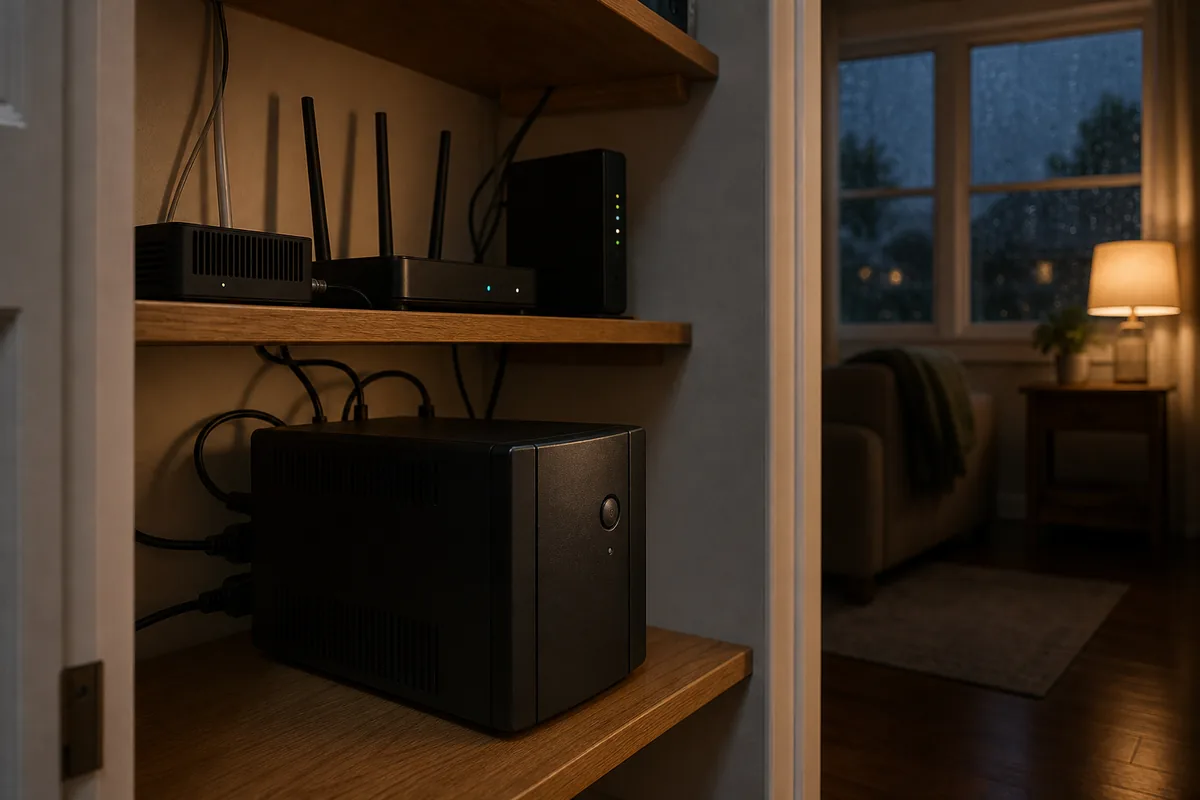
Yes, a serious Home Assistant home should have a UPS. A UPS, or uninterruptible power supply, is a battery backup that keeps small electronics alive during an outage. It should power the Home Assistant host, the router or gateway, the modem or fiber box if needed, the main switch, and any separate Zigbee, Z-Wave, Thread, or Bluetooth radio bridge. In plain English, those bridges are the USB sticks or small boxes that let local sensors, locks, switches, and other devices talk to Home Assistant.
The practical setup is a UPS plus NUT, short for Network UPS Tools. NUT is local software that talks to the UPS. Home Assistant's official NUT integration, meaning the Home Assistant connection for NUT, then reads UPS battery, load, runtime, and status from the NUT server. That means Home Assistant can notify you when utility power fails, show whether the UPS is on battery, and take a controlled action before the battery dies.
Do not start by automating shutdown. Start by proving the UPS keeps the hub and network online, then add notifications, then test a clean shutdown, then test how the machine comes back after power returns. Most confusing Home Assistant UPS threads are not about the first outage. They are about the restart after the outage.
What Is Official, Local, Cloud, or Device-Dependent?
| Part | What it means in the house | Support boundary |
|---|---|---|
| Official Home Assistant NUT integration | Reads UPS status from a NUT server and exposes sensors, diagnostics, and some supported device actions. | Official integration, local polling, no cloud required. It cannot talk directly to the UPS without a NUT server. |
| NUT server or Home Assistant NUT app | The service that talks to the UPS by USB or network, then serves that data to Home Assistant and other clients. | Device support depends on NUT compatibility and your add-on, OS, or server setup. |
| UPS commands and outlet control | Actions such as testing the battery, muting a beeper, power cycling an outlet, or shutting down a load. | Not universal. Home Assistant docs say buttons and switches need credentials with command permissions, and only supported parameterless commands appear. |
| Matter, HomeKit, Alexa, or Google | Not the normal path for UPS reliability. | A UPS plan is local infrastructure. Voice platforms and Matter do not replace NUT shutdown and restart planning. |
| Cloud dependency | Outage alerts can still work if your modem, router, and internet path remain powered. | NUT itself is local. Phone push notifications may still depend on internet, mobile push services, and your router staying up. |
What to Put on the UPS
Think in terms of the smallest stack that lets the home still report what happened:
- Home Assistant host: mini PC, Home Assistant Green, Raspberry Pi, NUC, network attached storage (NAS) running a virtual machine (VM), or server.
- Network path: router, modem, fiber ONT, main switch, and any Power over Ethernet (PoE) switch required by sensors or cameras you expect to stay online.
- Local radios: USB Zigbee or Z-Wave coordinator if it sits away from the hub, Bluetooth proxy if the outage rule needs it, or a Thread border router if Thread devices matter during outages.
- Storage owner: NAS, SSD enclosure, or small server if Home Assistant depends on it for VM storage, backups, Frigate, or add-ons.
Do not use a small computer UPS for appliances, heaters, pumps, refrigerators, garage door motors, or anything with heavy startup current unless the UPS and wiring are explicitly rated for that load. Do not do mains wiring to install this. Plug listed, low-power equipment into a listed UPS, keep airflow clear, and replace batteries on the manufacturer's schedule.
Where the NUT Server Should Live
The NUT server is the part that talks directly to the UPS. The Home Assistant NUT integration is the part that reads from the NUT server. That distinction matters.
| Topology | Use it when | Main caveat |
|---|---|---|
| NUT app on Home Assistant OS | You have one Home Assistant box plugged into one USB UPS and want the simplest local setup. | If that host shuts down, it cannot also be the awake brain that later sends Wake-on-LAN or coordinates other machines. |
| NUT server on a NAS or always-on mini PC | The UPS powers Home Assistant plus storage, Proxmox, network gear, or several clients. | The NAS or server must be on the same UPS plan and must itself shut down safely. |
| NUT server on a small dedicated device | You want a tiny external watcher that can stay awake longer than the Home Assistant host. | It adds another device to maintain, power, and document. |
| Network UPS with built-in card | You have a supported UPS that exposes NUT or another network management path. | Capabilities vary widely by model, card, firmware, and permissions. |
Setup Order That Avoids Surprises
- Check NUT support first. Use the NUT hardware compatibility list before you assume a UPS will expose useful battery, load, and command data.
- Power only the needed stack. Put the hub and network gear on the UPS. Leave high-load devices off.
- Install and test the NUT server. With the Home Assistant NUT app, the app docs say to configure users and devices, start the app, check logs, note the hostname, then add the official NUT integration using port
3493. - Add the official NUT integration. Home Assistant can auto-discover a NUT server; if not, add it from Settings > Devices & services.
- Watch the sensors for a week. Confirm status, battery charge, load, runtime, and unavailable behavior before you let automations shut anything down.
- Create notifications first. Alert on "On Battery" and again at a conservative low-battery threshold.
- Only then test shutdown. Test during the day, with someone home, after a fresh Home Assistant backup exists.
Start With Notifications, Not Shutdown
Home Assistant's NUT docs include an outage notification example. Adapt the entity names to your own system and verify the status text in Developer Tools > States. Since Home Assistant 2025.5, NUT status messages that combine multiple states are separated with commas, so a common battery state may look like On Battery, Battery Discharging.
automation:
  alias: "UPS power failure notification"
  triggers:
    - trigger: state
      entity_id:
        - sensor.main_ups_status
      to: "On Battery, Battery Discharging"
  actions:
    - action: notify.notify
      data:
        title: "UPS on battery"
        message: "Utility power is out. Home Assistant and network gear are running on UPS battery."
Add a second notification based on battery charge or runtime remaining. Keep the threshold conservative. The point is to give the household time to react, not to squeeze the last minute out of a battery.
Build a Shutdown Plan Separately
A safe shutdown plan has three parts:
- What shuts down first: optional loads, secondary servers, camera recorders (NVRs), or dashboards that do not need to stay alive.
- What stays up longest: Home Assistant, router, modem or ONT, and the NUT server path.
- What shuts down last: the Home Assistant host or VM storage owner, before the UPS battery is so low that the machine loses power abruptly.
If Home Assistant runs as a VM on Proxmox or another host, do not assume shutting down the Home Assistant VM protects the host, other VMs, or attached storage. A 2024 GitHub issue in the NUT app tracker shows why people ask for more control here: in multi-machine setups, automatic forced shutdown can be too blunt, and users may need their own order of operations.
If Home Assistant OS is the only computer on the UPS, the NUT app's host shutdown behavior may be enough once tested. If a NAS or hypervisor owns the disks, the NAS or hypervisor should usually be the shutdown authority.
The Restart Plan Is the Part People Miss
Many homeowners think "the UPS shut it down cleanly" means "the system will come back by itself." Not necessarily. If the machine shuts down while the UPS still has battery, and utility power returns before the UPS fully turns off, the computer may never see a fresh power-on event.
Plan one of these recovery paths:
- Restore AC power setting: in the mini PC or server startup settings screen, often called BIOS or UEFI, set the machine to power on when AC returns.
- Wake-on-LAN from outside Home Assistant: use a router, NAS, always-on device, or small ESPHome controller that remains powered after Home Assistant shuts down to send the network wake-up signal.
- UPS outlet behavior: some UPS models and management cards can power cycle outlets, but this is device-specific and must be tested.
- Manual recovery: if none of the above is reliable, document the physical power button and make the automation stop at notification plus clean shutdown.
That restart caveat is the through-line in Home Assistant Community discussions. People can often trigger shutdown. The hard part is making the house recover predictably after the battery and utility power dance through a messy outage.
Test It Without Breaking the House
- Create and download a current Home Assistant backup. Home Assistant's 2025 backup work makes automatic encrypted backups easier, but you still need the emergency key and an off-box copy.
- Plug only the intended low-power equipment into the UPS.
- Confirm NUT status while everything is online.
- Unplug the UPS from the wall, not from the devices. Do this during a planned test, not during severe weather.
- Confirm Home Assistant changes to on-battery status and sends the first notification.
- Let it run long enough to confirm runtime estimates and load.
- Cancel before shutdown on the first test. On a later test, allow the clean shutdown if you are ready to restart manually.
- Restore power and confirm the system returns without corrupted storage, missing devices, or dead network gear.
Never test by repeatedly yanking power from the Home Assistant host. The UPS is there to avoid exactly that kind of storage risk.
Common Mistakes
- Only backing up the hub. If the router and switch lose power, Home Assistant may be alive but unable to notify you or reach devices.
- Using runtime as the only metric. Battery runtime at idle can look generous and still collapse under real load.
- Letting Home Assistant be the only recovery brain. Once it shuts down, it cannot send Wake-on-LAN unless something else is still awake.
- Expecting every UPS command to work. Home Assistant only exposes the NUT commands your server, credentials, and UPS support.
- Skipping documentation. Write down which outlet powers what, where the UPS USB cable goes, and how to boot the host after a long outage.
How Tara Handles UPS Planning
Tara treats UPS design as part of the local-control foundation. A local smart home is only useful during an outage if the hub, network, and radio path stay alive together. The install goal is simple: the house can tell you power failed, keep important local automations stable for a short window, and shut down cleanly before storage gets hurt.
For most homes, Tara would rather have a modest, well-documented UPS plan than a giant battery nobody understands. The plan should say what stays online, what sends the final alert, what shuts down, and what brings the system back.
FAQ
Do I need a UPS if Home Assistant only controls lights?
If Home Assistant is a convenience layer, maybe not. If it controls entry, security, leak alerts, HVAC, cameras, or family notifications, use a UPS for the hub and network path.
Does NUT require the internet?
No. NUT is local. The Home Assistant NUT integration is listed as local polling. Phone push notifications can still need internet or mobile push services, so keep the modem, router, and switch on the UPS if outage alerts matter.
Can I use a smart plug to detect the outage instead?
A power-monitoring smart plug can help in some setups, but it is not a replacement for UPS battery data, runtime, load, and low-battery status. It also needs to remain reachable during the outage.
Should Home Assistant shut itself down automatically?
Only after you test notifications, battery thresholds, restart behavior, and backup restore. For VM, NAS, or Proxmox setups, let the storage or host owner control shutdown order.
What if the NUT entities go unavailable?
Check the NUT server logs, USB cable, UPS driver, static IP or hostname, and credentials. The official Home Assistant docs also suggest querying NUT directly with upsc and upscmd -l from the NUT server when you have command-line access.
Related Tara Reading
Start with how to back up Home Assistant before testing shutdown. If your devices disappear after power cycles, read why devices are unavailable after restart. For hardware choices, see the Home Assistant hardware guide. If outage alerts are unreliable, use the notification troubleshooting guide.