Short Answer: Use Long Range at the Edges, Not Everywhere
Use Z-Wave Long Range in Home Assistant when the device is far away, battery-powered, or sitting in a place where classic Z-Wave mesh has already been unreliable. Good examples are a water leak sensor in a basement utility room, an outdoor motion sensor near a gate, a contact sensor on a detached garage, or a mailbox sensor that is outside the normal house mesh.
Do not treat Long Range as a full replacement for classic Z-Wave. A normal Z-Wave mesh is still useful for nearby powered switches, dimmers, plugs, relays, and existing devices that already work. Long Range devices talk directly to the controller instead of hopping through repeaters, so the controller placement and antenna matter more, not less.
The practical 2026 answer is mixed: install one good 800-series controller, keep the classic mesh for the house, and add Long Range only where it solves a real range, battery, or placement problem. Before moving anything, back up the Z-Wave controller.
What Z-Wave Long Range Actually Changes
Classic Z-Wave is a mesh. Many powered Z-Wave devices can repeat messages for other devices, so a switch in the hallway may help a sensor farther away reach the controller. That is why classic Z-Wave networks often get better after you add more well-placed powered devices.
Z-Wave Long Range is different. Home Assistant's ZWA-2 announcement says Long Range does not use mesh; each LR device talks straight to the hub. The Z-Wave Alliance overview describes Long Range as a star-style network designed for greater reach and larger scale. That is useful, but it also means a Long Range device will not be rescued by the plug in the next room.
Home Assistant also says Z-Wave Long Range needs its own separate network, while ZWA-2 can run classic Z-Wave and Long Range at the same time. That is the key homeowner-friendly model: one controller, two Z-Wave paths, and a deliberate choice per compatible device.
Good Long Range Targets, and Poor Ones
| Use Long Range for | Usually keep classic Z-Wave for | Why it matters |
|---|---|---|
| Detached garage contact sensors, gate sensors, mailbox sensors, driveway motion, outdoor utility areas. | Wall switches, dimmers, plugs, in-wall relays, and indoor devices already near repeaters. | LR helps where distance is the problem. Mesh helps where nearby powered devices can share routing work. |
| Battery sensors in basements, crawl spaces, mechanical rooms, and metal-adjacent spots. | Existing devices that are stable and do not advertise Long Range support. | LR can reduce weak-route frustration, but older devices cannot magically become LR devices. |
| New installs where the controller is well placed and the device is explicitly LR-capable. | Large migrations done only because the controller supports a new feature. | Range features are not a substitute for a planned migration and a controller backup. |
Concrete 2026 Hardware Examples
These are not the only options. They are current, source-backed examples that show the difference between official Home Assistant support, vendor claims, local control, Matter or HomeKit expectations, and community caveats.
| Example | Official support path | Local control and cloud dependency | Matter / HomeKit path | Community caveat |
|---|---|---|---|---|
| Home Assistant Connect ZWA-2 | Official Home Assistant product. The adapter docs call it the recommended Z-Wave adapter as of July 2, 2026. | Local through Z-Wave JS. No vendor cloud is needed for normal Z-Wave control. | Not a Matter or Thread controller. Expose supported entities to Apple Home through Home Assistant HomeKit Bridge if needed. | Best baseline for a Home Assistant-first install, but physical placement still matters. Do not bury the antenna behind a rack. |
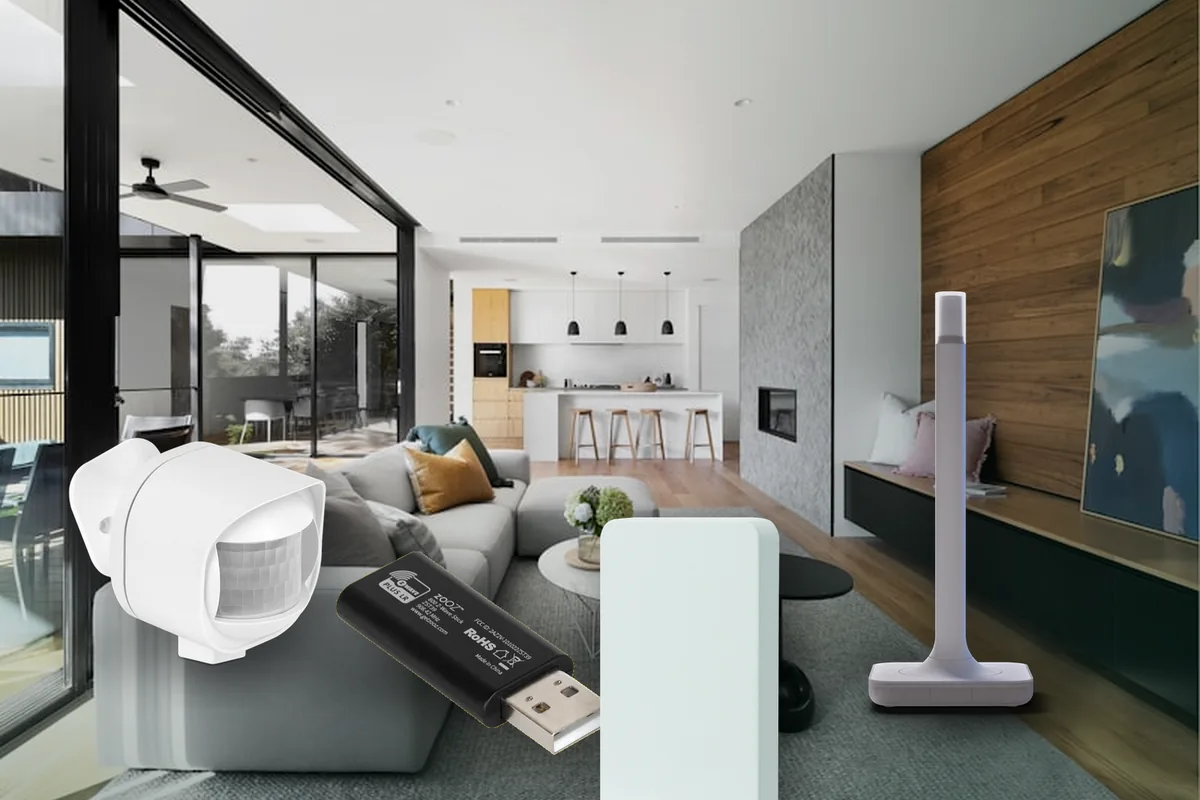
| Zooz ZST39 LR 800-series USB stick | Listed by Home Assistant as a supported 800-series adapter. Zooz markets it as Long Range ready when the software supports LR. | Local through Z-Wave JS. Zooz says local control is available unless you deliberately move the smart home to a cloud path. | No native Matter or HomeKit bridge. Use Home Assistant integrations above it if you want Apple Home exposure. | Keep firmware current and use a USB extension or good host placement. A tiny stick can still suffer from host-side interference. |
| Zooz ZSE42 800LR Water Leak XS Sensor | Vendor says it supports Z-Wave Long Range, SmartStart, and S2. Home Assistant sees it through Z-Wave JS when the controller, region, and device support all match. | Local sensor events through Z-Wave. No product cloud is needed for the leak sensor itself. | Expose the resulting leak entity to HomeKit Bridge if useful. It is not a Matter water leak sensor. | Zooz says it can take splashes but is not waterproof or submersible. Water shutoff automations need manual testing and a non-automation backup plan. |
| Zooz ZSE70 800LR Outdoor Motion Sensor | Vendor lists Z-Wave Long Range, S2, SmartStart, motion, lux, and temperature. As of July 2, 2026, the vendor page says the current model is US frequency only. | Local through Z-Wave JS. It can run on batteries or optional low-voltage power depending on the install. | No native Matter or HomeKit route. Bridge Home Assistant entities to Apple Home only if the entity behavior fits. | Vendor notes repeater behavior depends on power mode. Include it the way you intend to power it, and do not assume a battery device will repeat. |
| Aeotec Z-Stick 10 Pro | Aeotec says the stick supports Z-Wave Long Range and Zigbee. Treat Home Assistant support as something to verify against current adapter docs and community reports before buying. | Designed for local control, but it combines Zigbee and Z-Wave in one adapter, so driver and host support matter. | Not a Matter controller and not native HomeKit. Home Assistant can bridge resulting entities when supported. | Useful on paper, but less straightforward than ZWA-2 for a Home Assistant-first Z-Wave Long Range install unless the docs and your region line up. |
A Safer Setup Order
- Start with the controller. Use Home Assistant Connect ZWA-2 if you want the most official path, or another supported 800-series adapter if you have a specific reason.
- Back up the controller NVM. Home Assistant's Z-Wave docs tell you to download a controller backup before major changes such as moving adapters or resetting hardware.
- Update firmware deliberately. Home Assistant warns that firmware updates can damage a device if the wrong firmware is used, so do not rush controller or device firmware during a live migration.
- Check the Z-Wave region. Z-Wave devices must match the regional frequency. Home Assistant's docs distinguish classic Z-Wave regions and Long Range region choices, and the device page may be region-specific.
- Add LR devices through the normal Home Assistant flow. For SmartStart devices, scan the QR code or enter the DSK. If the device supports Long Range, choose LR only when that device actually benefits from it.
- Test from the final location. Put the sensor where it will live, trigger it, watch Home Assistant state changes, and check reliability before relying on it for water, gate, garage, or security behavior.
Local Control, Cloud, Matter, and HomeKit Are Separate Questions
Z-Wave Long Range is a radio transport, not a cloud service. A Home Assistant Z-Wave JS setup can control Z-Wave devices locally on your home network. That is one of the reasons Z-Wave remains appealing for homeowners who want less vendor-cloud dependency.
Matter and HomeKit are different layers. The Home Assistant Matter integration is for Matter devices; it does not turn every Z-Wave Long Range device into a native Matter device. The HomeKit Bridge integration can make supported Home Assistant entities available in Apple Home, but that is Home Assistant acting as a bridge.
That distinction matters when shopping. A Z-Wave LR leak sensor may be a good local Home Assistant device and still have no native Apple Home or Matter setup code. That is not a defect; it is a different integration path.
What to Avoid
- Do not buy by chipset alone. An 800-series controller is helpful, but the adapter, firmware, region, and Home Assistant support path still matter.
- Do not assume every new Z-Wave device is LR. Look for explicit Z-Wave Long Range support on the exact model and regional SKU.
- Do not move working devices just because LR exists. If a switch or dimmer is stable on classic mesh, leave it alone unless you have a measurable reason.
- Do not use LR to hide a badly placed controller. Better controller placement still improves the direct radio path.
- Do not treat Home Assistant as the only safety layer. Water shutoff, locks, garage doors, and gates need manual fallback, tested automations, and installer-aware wiring where relevant.
Tara's Take
For a Tara-style installed home, the calm design is one well-placed ZWA-2, a healthy classic Z-Wave mesh for the main house, and Z-Wave Long Range only for the places that earn it. That gives you local control, avoids unnecessary cloud dependency, and keeps the network understandable when someone has to service it later.
Use Long Range for the edge cases: the detached garage, the basement water heater, the mailbox, the gate, the far corner that has always been a problem. Keep ordinary switches and powered indoor devices on classic Z-Wave unless there is a clear reason to change them.
Related Tara Reading
If this question is part of a larger Home Assistant plan, these guides connect the Z-Wave decision to the rest of the house.
- Z-Wave JS vs Z-Wave JS UI in Home Assistant
- Best Home Assistant Hardware in 2026
- Best Home Assistant Water Leak Sensors for 2026
- Best Smart Lock Setup for Home Assistant in 2026
- Matter vs Thread vs Zigbee vs Z-Wave for Homeowners
- Home Assistant smart home kit
FAQ
Is Z-Wave Long Range better than classic Z-Wave mesh?
It is better for the right job. Long Range is useful when a compatible device needs a direct, longer radio path to the controller. Classic mesh is still useful for nearby powered devices and the large installed base of older Z-Wave products.
Can old Z-Wave devices become Z-Wave Long Range devices?
Usually no. A device needs Long Range-capable hardware and firmware. Old Z-Wave devices can keep working on the classic mesh, but they do not become LR just because the controller is new.
Does Z-Wave Long Range work without the internet?
Yes. The radio network and Home Assistant Z-Wave JS control path can run locally. Cloud services may still be involved if you use remote access, third-party voice assistants, or phone notification paths that depend on the internet.
Can I use Z-Wave Long Range and classic Z-Wave at the same time?
Yes, with supported hardware. Home Assistant says ZWA-2 can run classic Z-Wave and Z-Wave Long Range at the same time, and Home Assistant can prompt for the network type when adding a compatible LR device.
Does Z-Wave Long Range work with Apple Home or Matter?
Not natively. Z-Wave LR is not Matter, Thread, or HomeKit. In a Home Assistant home, the usual Apple path is to expose selected Home Assistant entities through HomeKit Bridge. Matter is a separate integration for Matter devices.