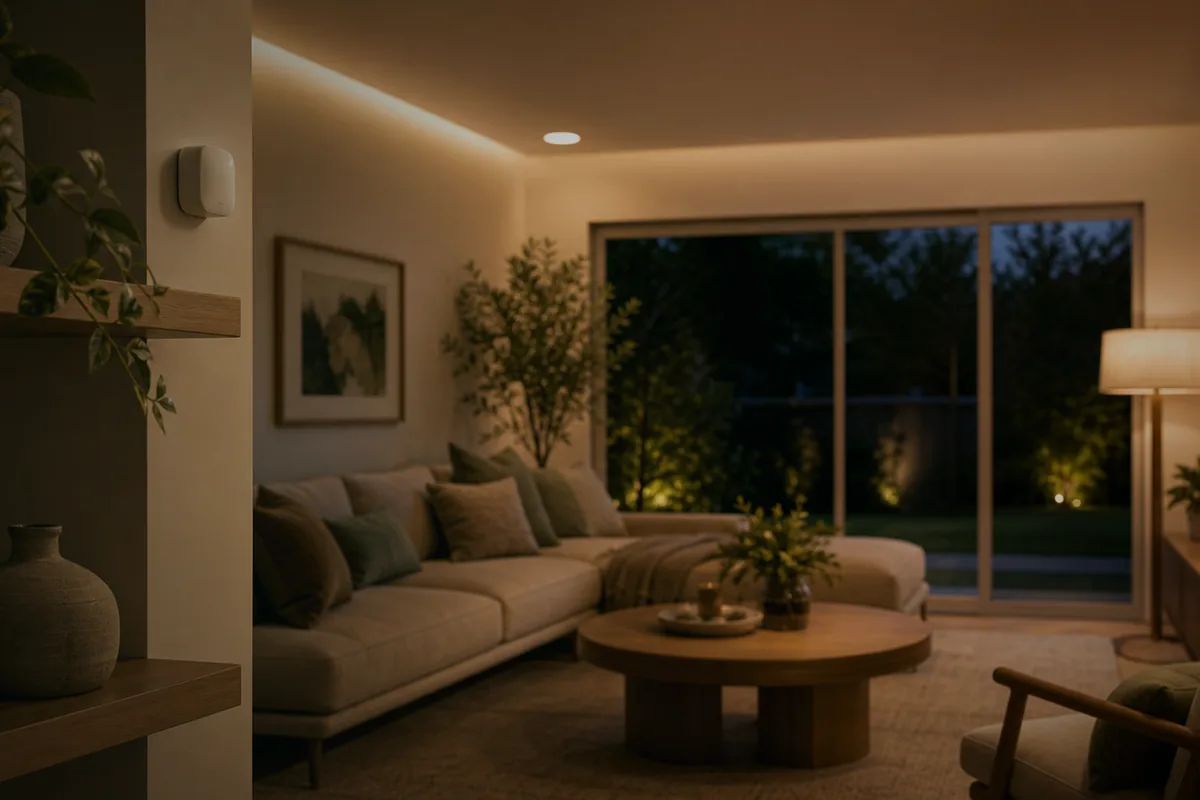
How to Set Up Smart Lighting
Smart lighting is the gateway to home automation. It’s visible, satisfying, and immediately useful. Here’s how to do it right.
Step 1: Choose Your Bulb Type
- Smart bulbs (e.g., Philips Hue): Easy to install, replace existing bulbs
- Smart switches: Control existing fixtures, work with any bulb
- Smart plugs: For lamps and string lights
Step 2: Pick a Protocol
| Protocol | Range | Mesh Network | Hub Required |
|---|---|---|---|
| Zigbee | 30m | Yes | Yes |
| Z-Wave | 30m | Yes | Yes |
| Wi-Fi | 50m | No | No |
| Matter | Varies | Yes | Varies |
For reliability, Zigbee or Matter-based bulbs paired with a local hub give the best experience.
Step 3: Plan Your Zones
Think in zones, not rooms:
- Task lighting: Kitchen counters, desk areas
- Ambient lighting: Living room, bedroom
- Accent lighting: Hallways, bookshelves
- Security lighting: Entry points, exterior
Step 4: Set Up Automations
Great starting automations:
- Morning routine: Gradually brighten bedroom lights at 7 AM
- Away mode: Random lights when you’re not home
- Movie time: Dim living room to 20% when TV turns on
- Bedtime: All lights off at 11 PM except hallway nightlight
Step 5: Presence-Based Lighting
The holy grail of smart lighting is presence detection. With mmWave sensors, your lights can:
- Turn on when you walk into a room
- Turn off when the room is truly empty (not just “no motion”)
- Adjust brightness based on time of day
- Know the difference between you walking through vs. sitting still
No more waving your arms at motion sensors while reading.