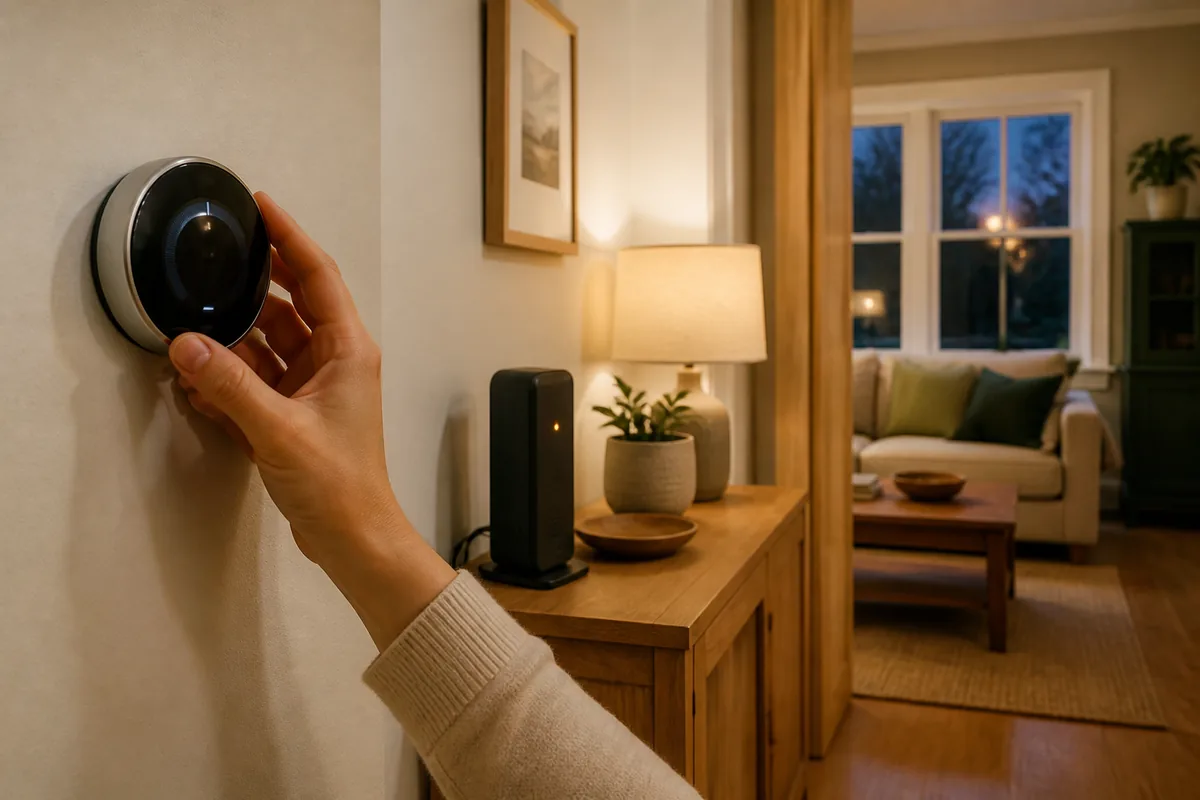
The short answer: comfort should continue, smart extras may not
A smart thermostat is still a thermostat. When its control wiring, batteries, and heating or cooling equipment are powered, it should not need an outside website merely to compare the room temperature with the target and call for heat or cooling. Google's current Nest help, for example, says an offline thermostat can still change the home's temperature at the wall. Sensi says its thermostats continue controlling heating and cooling and keep running the current schedule after a lost connection.
That does not make every feature local. A vendor app often talks to the thermostat through the manufacturer's internet service, sometimes called its cloud. The app may say “offline” even while the room remains comfortable. Remote changes, voice assistants, phone-location rules, live weather, energy reports, alerts, and device-software updates are common casualties.
The schedule needs an exact-model check. Sensi explicitly documents that its current schedule continues. tado says Smart Thermostat X and other X room controls store schedules locally. The Resideo T6 Pro Z-Wave can run its own programmable schedule; Z-Wave is a short-range home-automation radio system. Its manual says joining a Z-Wave controller can turn the thermostat schedule off by default. “Programmable” is not enough; confirm which schedule mode is actually active in your house.
Do not reset the thermostat just because the internet is out. First use the wall control, confirm the room is responding normally, and wait for service to return. A factory reset can turn a simple service outage into a new installation job.
Plain-English rule: the thermostat can keep the house comfortable while its smarter remote controls go quiet. The answer changes only when the thermostat, the heating equipment, or the local control path also loses power or connection.
First identify which of the four failures you have
| What failed | Wall control and equipment | Saved schedule | Local automatic rules | App and online features |
|---|---|---|---|---|
| Internet service only The router and house still have power. |
Normally continues when the thermostat and equipment are healthy. | Continues if the schedule is stored and enabled on the device. | Can continue through Z-Wave, Matter, HomeKit Device, or a documented local-network connection. | Vendor apps, remote access, cloud integrations, voice services, phone-location rules, reports, and updates may stop. |
| Router or home Wi-Fi | Wall control normally continues. | An on-device schedule can continue. | Z-Wave rules may continue if the controller is running. Wi-Fi, Matter, Thread, and local-network paths may lose required network equipment. | Usually unavailable until the home network returns. |
| Home Assistant | The thermostat should remain an independent wall control. | The thermostat's own schedule can continue; a schedule stored only in Home Assistant cannot. | Home Assistant dashboards and automatic rules stop. The thermostat's own controls remain separate. | The maker's app may still work if its internet path is healthy. |
| House or heating-system power | The furnace, boiler, air handler, or heat pump cannot run without its required power. A battery-lit thermostat cannot change that. | May be remembered, but it cannot operate unpowered equipment. | Stops wherever power is lost unless every required part has suitable backup power. | May show devices offline; mobile data does not restore power to heating or cooling equipment. |
A gas furnace still needs electricity for its controls and blower. If dependable heat or cooling is medically important, protects pipes, or keeps animals safe, treat backup power and an in-person fallback as a household safety plan—not as a thermostat-app setting.
The connection path decides what Home Assistant can still do
Home Assistant's current outage guidance says devices using local connections such as Z-Wave, Matter, and Thread can keep working without internet. An integration is the software connection between Home Assistant and a device or service; an integration that needs a vendor's online service cannot reach it during an outage. “Local” still means all required equipment inside the home must be on.
- Z-Wave: the thermostat talks by short-range radio to the home's Z-Wave adapter. Home Assistant receives changes directly and supports thermostat controls. Internet is not in the normal command path.
- Documented local-network connection: supported Venstar models talk to Home Assistant over the home network. Internet can be down, but the router, thermostat Wi-Fi, and Home Assistant must still be running.
- HomeKit Device: Home Assistant pairs directly with a supported thermostat using Apple's local accessory method and receives updates inside the home. This is different from HomeKit Bridge, which shares a thermostat already in Home Assistant with Apple's Home app.
- Matter: Matter is a shared smart-home standard. Normal device control stays local over Wi-Fi or Thread, a low-power mesh network. A Thread thermostat still needs a working Thread border router—the powered device that joins Thread to the home network. Setup, account features, remote voice, and some device updates may still need the internet.
- Vendor cloud: Home Assistant sends commands through the maker's online service. The official ecobee integration is called Cloud Polling, meaning Home Assistant checks ecobee's server for updates. The official Google Nest integration is Cloud Push, meaning Google's server sends changes to Home Assistant. Neither normal cloud path is available when the outside internet is down.
This is why a thermostat can keep heating at the wall while Home Assistant shows it as unavailable. The thermostat did not fail; only one route to it did. Tara's controller-downtime guide covers the reverse case, when the internet works but Home Assistant itself is unavailable.
What current thermostat examples actually document
These examples are not rankings. They show why a brand name alone cannot answer the outage question: the wall fallback, Home Assistant connection, app, and Apple Home or Matter route can be different systems.
| Current example | Officially documented fallback | Local control path | Cloud dependency | Matter, Apple Home, and caveat |
|---|---|---|---|---|
| Google Nest Thermostat and Nest Learning Thermostat models | Google says an offline thermostat can still change the temperature at the wall. Its recovery steps vary by exact model and warn that low battery after a power loss can also block Wi-Fi reconnection. | The official Home Assistant Nest integration is not local; it uses Google's online services. | Google Home or Nest app control and Home Assistant's Cloud Push path need connectivity. | The 2020 Nest Thermostat received Matter support, but Google requires initial Google Home setup and Wi-Fi. Other Nest models have different Matter behavior. Check the model and current controller support instead of treating “Nest” as one product. |
| Sensi Smart Thermostat, Sensi Touch 2, and Sensi Lite | Sensi says heating, cooling, and the current schedule continue when Wi-Fi is lost. | The cited outage page does not promise a Home Assistant route. Verify the exact model before relying on HomeKit Device or another local connection. | Geofencing, advanced settings, schedule switching, and automatic updates in the Sensi app wait for the connection to return. | Do not infer Matter or Apple Home support from the family name. Confirm the exact model's current platform page. |
| Venstar ColorTouch T7900/T7850, Explorer Mini T2000, and Explorer IAQ T3950 | Keep the thermostat's own wall controls and schedule configured. Home Assistant can read the current schedule state on these tested models. | Home Assistant documents direct control over the home network; the local connection must be enabled at the thermostat. | Home Assistant control does not require Venstar's Skyport cloud, but the router and thermostat Wi-Fi still matter. | This is a local-network path, not Matter or HomeKit. Features differ by exact model—for example, humidity control is limited to the T7900 in the current integration docs. |
| ecobee Smart Thermostat Premium and Enhanced | Keep a known-good wall schedule and manual fallback; this article does not transfer another brand's offline promise to ecobee. | Supported setups can use Home Assistant's local HomeKit Device path. It may expose fewer settings, and the thermostat can belong to only one HomeKit controller at a time. | Home Assistant's official ecobee integration is Cloud Polling and requires an ecobee account, even though setup no longer requires a new developer key. | HomeKit Device is a local control path, not proof that every ecobee feature or app service works offline. Confirm support on the exact hardware and software version. |
| Resideo T6 Pro Z-Wave TH6320ZW2007/U | Resideo documents wall operation and 7-day, 5-1-1, or 5-2 programming. Its user guide says it can act as a normal programmable thermostat when it is not joined to Z-Wave. | Z-Wave JS is a local Home Assistant route with no vendor internet service in routine thermostat control. | No vendor cloud is required for the Z-Wave path, but the Home Assistant host and Z-Wave adapter must stay powered. | It is Z-Wave, not native Matter or HomeKit. A joined controller can turn the on-thermostat schedule off by default, so verify schedule ownership and exact heating-system compatibility. |
| tado Smart Thermostat X | tado says manual control and a saved heating schedule continue offline. | Home Assistant's intended X route is local Matter over Thread, with the thermostat, Matter controller, local network, and Thread border router powered. | Remote app access, richer tado services, and the normal vendor update path still need internet. | Smart Thermostat X is Matter-enabled; older tado lines use different paths. Matter exposes basic controls rather than every schedule, zone, hot-water, or installer feature. See Tara's tado X setup and limits guide. |
If you are still choosing hardware, use Tara's separate current thermostat selection guide to compare heating-system fit, product tradeoffs, sensors, and model choices. This page stays focused on what happens during an outage.
How to test your thermostat without making the house unsafe
- Choose mild weather. Do not test during extreme heat, freezing weather, a health-sensitive period, or when a failed result could damage the home.
- Write down the normal state. Record the mode, target temperature, active schedule, thermostat model, and any important frost, heat-pump, or auxiliary-heat settings.
- Leave the thermostat and equipment power alone. This is an internet test, not an electrical test. Do not remove the thermostat, move wires, switch off heating or cooling breakers, or open the furnace.
- Disconnect only the outside internet path. If the modem and router are separate, temporarily disconnect the Ethernet cable between them while leaving the router, Home Assistant, radio adapters, and thermostat powered. If your network is different or the safe cable is unclear, use the router maker's documented internet-pause method or skip the test.
- Check the wall first. Change the target by one degree, listen for the normal equipment response, then return it to the original target.
- Check each control path separately. Try the vendor app, a local Home Assistant dashboard, one safe automatic rule, and the next schedule change if the test window allows. Note what works instead of guessing.
- Reconnect and confirm recovery. Restore the cable or setting, wait for normal status, verify the app and controller update, and leave the thermostat on its original schedule.
Do not test backup power by pulling breakers unless a qualified installer designed that procedure. A thermostat display, router battery, and Home Assistant battery backup are not evidence that the furnace, boiler, air handler, pumps, zone valves, or heat pump can run through an outage.
When to call a professional: stop if the thermostat goes blank, shows an equipment or power error, repeatedly loses its schedule, calls the wrong heating stage, runs auxiliary heat unexpectedly, or fails to operate the system from the wall. Use the thermostat and equipment maker's instructions, then contact a qualified heating and cooling technician or electrician. Do not bypass equipment safety controls or make Home Assistant the only freeze or over-temperature protection.
A calm outage plan needs three layers
- Independent wall control. Everyone in the household should know how to change the target and mode without a phone. Keep the exact manual and installer contact somewhere available offline.
- One clear schedule owner. Decide whether the thermostat or Home Assistant owns the daily schedule. For the strongest fallback, keep a safe base schedule on the thermostat where the model supports it, and use Home Assistant's automatic rules for deliberate overrides.
- Power for every local dependency. If local control matters during short outages, a suitable battery backup may need to cover the router, the computer running Home Assistant, and a Z-Wave adapter or Thread border router—not merely the thermostat. Heating and cooling equipment requires a separate, professionally sized power plan.
Remote alerts are useful, but they are not a safety system if the internet is already down. A visible wall control, an understandable schedule, and a tested local path are the parts a homeowner can actually use.
For the broader architecture, Tara's plain-English no-cloud guide explains which everyday functions can stay in the home. Tara's configured smart thermostat kit can match the thermostat, heating or cooling system, local controller, and household fallback.
Frequently asked questions
Will a smart thermostat stop heating if the internet goes down?
Usually no. If the thermostat and heating or cooling equipment still have power, manufacturer-documented wall control should continue, and some models keep a schedule stored on the thermostat. App, voice, remote, and cloud-based automatic rules may stop. Check the exact model manual rather than assuming every thermostat saves the same fallback.
Will the thermostat app work without internet?
Usually not. Most vendor apps reach the thermostat through the company's online service, even when the phone is at home. A local HomeKit, Matter, Z-Wave, or documented local-network path is separate from the vendor app and needs its own controller and home network to remain powered.
Will a thermostat schedule run without Wi-Fi?
It depends on where the schedule is stored. Sensi says its current schedule continues during a lost connection, and tado says X room devices store schedules locally. Other models and schedule modes differ, so confirm the exact manual and test the schedule before relying on it.
Can Home Assistant control a thermostat without internet?
Yes when the thermostat uses a working local path such as Z-Wave, Matter, HomeKit Device, or a documented local-network connection, and Home Assistant plus the required router, radio, or Thread border router remain powered. The official ecobee and Google Nest integrations use cloud paths and cannot operate normally through an internet outage.
Is an internet outage the same as a power outage for a thermostat?
No. Losing internet can leave the thermostat, router, and heating or cooling equipment powered. Losing house or equipment power means the furnace, air handler, heat pump, or boiler may be unable to run, even if a battery keeps the thermostat display awake. Backup internet cannot replace power to the heating or cooling equipment.