Yes—When the Device Arrives Ready for Matter
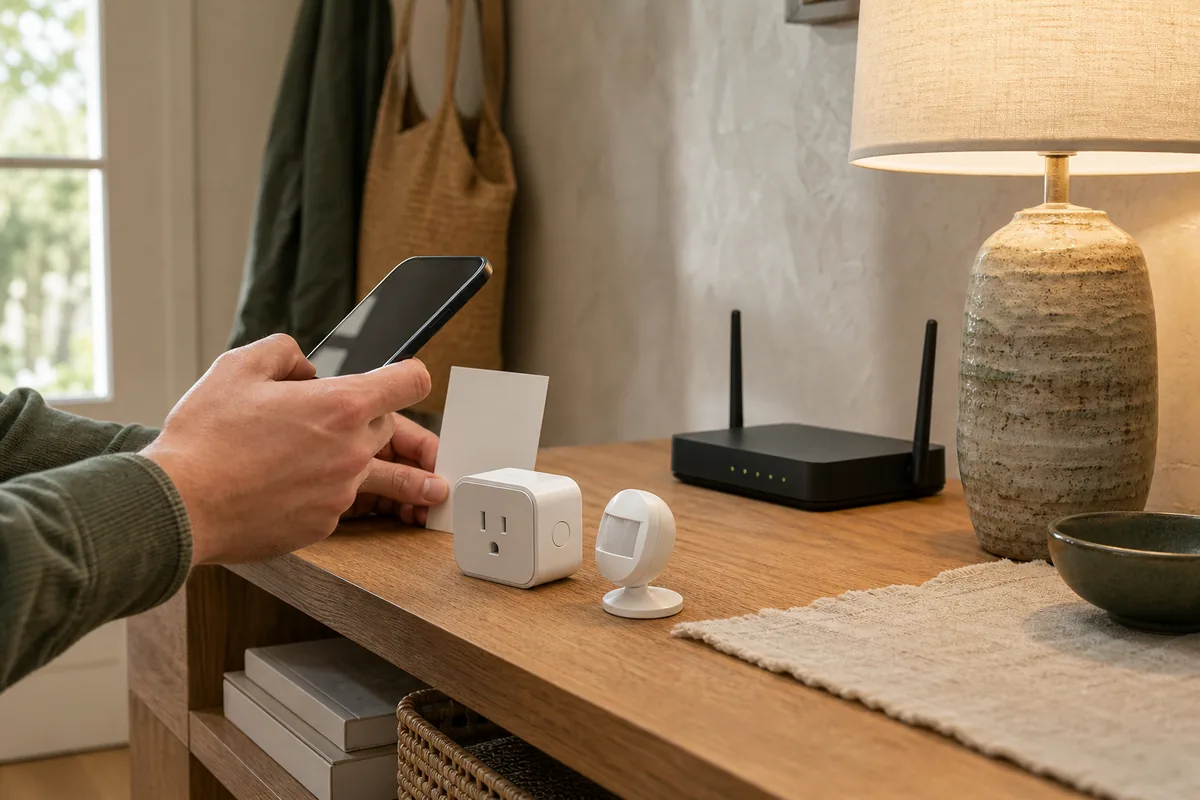
You can pair many Matter devices to Home Assistant without installing the device maker's app. The Home Assistant Companion app on your iPhone or Android phone acts as the setup tool: open Settings > Matter, add a new device, and scan its Matter QR code or type the numeric code. Matter calls this first secure setup commissioning. Your phone uses Bluetooth only for that nearby handoff; normal control then moves to local Wi-Fi, Ethernet, or Thread.
A direct setup needs three things from the exact product in your hand: it already runs Matter, it has a valid setup code, and you can put it into pairing mode without visiting the maker's app. Matter-over-Thread devices also need a working Thread border router, the always-on radio that connects the low-power Thread network to Home Assistant. The Home Assistant phone app is still an app, but it is your chosen Matter controller's app—not the device maker's account or cloud.
The warning is the phrase “Matter compatible.” It can describe a device that needs a conversion of its built-in software (firmware), a brand hub that translates other devices into Matter, or a product whose Matter code appears only after setup in the vendor app. In those cases, basic control can be local after commissioning while the maker's app remains part of setup, updates, recovery, or extra features.
The quick test: If you can find the Matter code and the physical pairing instructions before creating a vendor account, direct Home Assistant setup is likely. If the instructions begin with “install our app,” treat that app as a real dependency until the vendor says otherwise.
The Four Product Paths That Look Like “Matter”
1. Factory-Ready Matter Device
This is the clean path. The exact plug, bulb, sensor, lock, thermostat, or appliance already runs certified Matter firmware—the software built into the device. Its unique setup code is on the device, packaging, printed guide, display, or another permanent place, and its manual explains how to enter pairing mode. You scan it with Home Assistant and do not need the maker's app for standard Matter controls.
2. Device That Must Be Upgraded or Switched to Matter
Some older products shipped with HomeKit or a brand protocol and gained Matter later. The original app may be required to update the firmware, accept migration warnings, or reveal the new Matter code. That one-time conversion can also be irreversible. Afterward, daily Matter control may be local, but a future reset or firmware update can still send you back to the vendor instructions.
3. Matter Bridge
A bridge exposes other devices to Matter. Home Assistant's documentation names SwitchBot Hub 2, Aqara Hub M2, IKEA DIRIGERA, and Philips Hue Bridge as examples. SwitchBot's current product documentation also covers Hub 3. Home Assistant talks locally to the bridge, while the bridge talks to its connected products. The brand app commonly decides which child devices are exposed, handles new-device setup, and updates the bridge.
4. HomeKit-Only or Thread-Only Device
Thread is the network, not proof of Matter. Older Eve products and other devices may use HomeKit over Thread without speaking Matter. They can follow Home Assistant's separate HomeKit Device path, or may have a vendor-supported migration, but a HomeKit code cannot be scanned as a Matter code. Look for the Matter mark and exact model documentation rather than assuming every Thread product is cross-platform.
Current Products Show the Difference
The model and generation matter more than the brand name. These examples use current official documentation available on July 19, 2026.
| Exact product or path | Official support and setup | Vendor app or account? | Local or cloud after setup? | Home Assistant, Matter, and HomeKit caveat |
|---|---|---|---|---|
| Eve Energy with Matter Current US/Canada 4th-generation model |
Eve carries the Works With Home Assistant badge and says Eve Energy connects directly to Home Assistant over Thread. A Thread border router is required. | No Eve account or app for core setup. Eve says its products use no Eve cloud, subscription, registration, or tracking. Its optional app adds graphs, cost calculations, schedules, and button settings. | Matter control and energy data are local. Supported firmware can be delivered through Matter controllers including Home Assistant. | This statement is for the current Matter model. An older HomeKit-only Eve Energy follows a different path and may need Eve's migration process. Home Assistant currently cannot deliver Matter updates to Thread devices on a Thread network containing an Apple border router; Apple Home may offer the update instead. |
| IKEA MYGGSPRAY Article 806.194.51 |
IKEA documents it as Matter over Thread and says it can join DIRIGERA or other well-known systems. It needs a Thread border router. | No IKEA app or account for the direct Matter scan. DIRIGERA and the IKEA Home smart app add IKEA-side control and features. | The direct Matter path is local. The IKEA app path adds a brand hub and app. | IKEA's US product page names Amazon, Apple, Google, Homey, and Samsung, but not Home Assistant. Home Assistant can commission standard Matter devices; IKEA's page is not a brand-specific HA support promise. |
| New Matter-enabled Philips Hue bulbs Including Hue Essential A19 examples |
Hue documents direct setup by scanning the bulb's Matter code in Apple Home, Google Home, or Alexa, without a Hue Bridge. It separately documents the Hue Bridge path. | No Hue app or account for the documented direct path. The Hue app is required for the Bridge path and its advanced Hue features. | Direct Matter control stays inside the home. Home Assistant's direct Hue Bridge connection also runs locally and exposes more Hue-specific features. | Hue's direct-setup support page does not name Home Assistant. A certified Matter bulb should follow Home Assistant's standard commissioning path, but official brand support may point to the platforms Hue lists. |
| SwitchBot Hub 2 or Hub 3 as a Matter bridge | SwitchBot documents the hub as a bridge. Current Hub 2 instructions include a physical button sequence for Matter setup; supported SwitchBot child devices are then exposed through the bridge. | Yes. This is not a vendor-app-free path: the hub must first be set up and updated in SwitchBot's app, which is also where users select secondary devices. Firmware and brand features remain vendor-managed. | Daily controls exposed to Home Assistant are local. Initial setup, child-device selection, updates, and brand-only features still use SwitchBot's app and internet service. | Not every SwitchBot device or feature is exposed. Check the current compatibility list for the exact hub firmware and child model before relying on Matter. |
How to Pair a Direct Matter Device to Home Assistant
- Confirm the exact device is ready for Matter. Find the Matter mark, model number, QR or numeric setup code, and physical pairing or reset instructions. A Thread mark alone is not enough.
- Prepare Home Assistant. On Home Assistant OS, add the official Matter integration—Home Assistant's connection for Matter devices—if it is not already installed. Update Home Assistant and the Companion app first.
- Prepare the network. For Matter over Wi-Fi, keep the phone on the intended home network. For Matter over Thread, confirm Home Assistant can use a compatible Thread border router and bring the phone near the device and border router.
- Put the device into pairing mode. A new device may enter it when powered on. Otherwise, use the manufacturer's documented button sequence. Do not improvise a factory reset on a device that is already working in another platform.
- Scan it in Home Assistant. In the Companion app, open Settings > Matter > Add device, choose that it is new, and scan the Matter QR code or enter the numeric commissioning code.
- Name, place, and test it. Assign the device to the correct room, test every control and sensor reading you plan to use—Home Assistant calls each one an entity—and compare them with the product description before building automations.
- Save the setup code. Photograph the code with the device and model label, then keep a second copy somewhere safe. Home Assistant warns that a reset device cannot be commissioned again without its QR or numeric code.
If the device is already in Apple Home, Google Home, Alexa, or SmartThings, do not reset it merely to make Home Assistant first. Open pairing mode from its existing Matter controller and use Matter's multi-admin sharing feature to share it to Home Assistant. That preserves the first platform while adding Home Assistant as another local controller.
When the Vendor App Is Still Part of the System
- Matter must be enabled: a hub or existing device may hide Matter mode until the vendor app updates it or creates a code.
- Child devices must be selected: a Matter bridge may need the vendor app to choose which blinds, locks, sensors, or lights Home Assistant can see.
- Firmware uses the vendor route: Matter over-the-air updates are optional. Home Assistant can offer an update when the device supports the feature and its maker publishes compatible firmware, but many models still update only in the maker's app.
- Extra features are proprietary: robot maps, camera recordings, energy-cost graphs, light effects, adaptive schedules, calibration, and diagnostics may sit outside the standardized Matter controls.
- Support and warranty use the brand record: registration may not be needed for control but may still matter for a warranty claim, recall notice, or support case.
Matter 1.4.1 added an Enhanced Setup Flow that can show a maker's terms and consent inside a compatible controller's setup. That can reduce the need to jump into another app, but it does not rewrite older products or force every manufacturer to use the newer flow. Follow the exact model's current instructions.
Matter Is Local; the Whole Product May Not Be
Home Assistant's official Matter documentation is clear: Matter device control is local and does not need the vendor cloud. A standard command travels between Home Assistant and the device over the home network. A Thread border router passes encrypted network traffic; it is not the device maker's cloud.
That statement covers the Matter function, not every promise on the box. A smart plug can switch and report power locally while the vendor app calculates electricity cost in the cloud. A bridge can expose blinds locally while new blind setup still begins in the brand app. A light can offer on, off, brightness, and color through Matter while animated scenes remain in its native system.
Use two labels in your device list: “daily control path” and “maintenance path.” A product can be local for daily control but vendor-dependent for firmware, reset recovery, and advanced settings.
Matter and HomeKit Are Different Setup Paths
A HomeKit code is not a Matter code, even if the product uses Thread. A box marked only Works with Apple Home or Works with HomeKit may be a HomeKit-over-Thread device rather than Matter. Home Assistant can often add an unpaired HomeKit accessory through its HomeKit Device integration, but that is a separate local protocol and setup flow.
Home Assistant's HomeKit Bridge integration points in the other direction: it exports entities already in Home Assistant to Apple Home. It does not turn a HomeKit code into a Matter code and is not the tool for adding a Matter accessory. Current Matter devices can instead be shared safely among controllers through Matter's sharing feature.
Older Eve products make the generation problem concrete. A current Matter Eve Energy connects directly to Home Assistant. An older HomeKit model may require an official Eve conversion before it speaks Matter, and that migration has its own platform and reset rules. Read the model's current protocol label before opening either setup screen.
What to Check Before You Install or Buy Another One
- Match the model, region, and generation. “Eve Energy,” “Hue bulb,” or “SwitchBot hub” is not precise enough. Hardware revisions can use different protocols and update paths.
- Find the code before checkout or installation. Product documentation should say where the Matter code lives and how pairing mode starts. If the code is created only in an app, record that dependency.
- Check official Home Assistant support separately. A Works With Home Assistant badge is stronger than general Matter interoperability. When a vendor page does not name Home Assistant, standard Matter may still work, but the maker may limit its support to listed platforms.
- Write down the hub path. Direct Matter over Wi-Fi, direct Matter over Thread, and Matter through a bridge have different hardware and recovery needs.
- Compare the feature list. Confirm that the controls and sensor readings Home Assistant exposes cover the job. Use a direct local connection when it is better—Home Assistant specifically recommends its direct, local Hue Bridge connection over Hue's Matter bridge for richer features.
- Check the update path. Ask whether Home Assistant, the controller platform, or the vendor app supplies firmware and whether that path needs an account or internet access.
- Avoid duplicate automations. Put each schedule or motion rule in one place. Leaving the same rule in Home Assistant and the vendor app can produce double actions and make cloud failures harder to understand.
The Practical Recommendation
For the simplest local setup, choose a factory-ready Matter model with a permanent setup code, physical pairing instructions, and standardized features that cover the household's real need. Pair it in the Home Assistant Companion app, save the code, document whether it uses Wi-Fi or Thread, and keep important automations in Home Assistant.
Use the vendor app when the exact product genuinely needs it for a firmware conversion, bridge setup, child-device selection, or a feature you value. Do not confuse that maintenance dependency with the everyday Matter control path. The useful goal is not “zero apps at any cost.” It is knowing which app is optional, which is temporary, and which will still be needed after the light, plug, sensor, or bridge appears in Home Assistant.
FAQ
Can I Use the Home Assistant App Instead of the Manufacturer App?
Yes, when the exact product ships ready for Matter, has a Matter setup code, and can enter pairing mode without the manufacturer app. Use the Home Assistant Companion app to scan the code. A bridge or device that needs a firmware upgrade may still require the maker's app.
Does Matter Require a Vendor Account?
Matter itself does not require a device-maker account for local control. A manufacturer can still require an account to enable Matter on a bridge, install an upgrade, select bridged child devices, or use brand-only features.
What If the Matter Code Appears Only in the Vendor App?
Use the vendor's documented flow to expose or create the code. An app-only code usually means the product is a bridge, an upgraded device, or a product whose Matter mode must be enabled first. Save the code outside the app afterward if the instructions allow it.
Can I Delete the Vendor App After Pairing?
Keep it until you have checked how firmware, calibration, history, maps, scenes, child-device selection, and factory recovery work. Then remove it only if the official instructions and your own test show that nothing you need depends on it. Basic Matter control can remain local while those extra jobs still depend on the vendor app or cloud.
Is a HomeKit Code the Same as a Matter Code?
No. HomeKit and Matter are separate setup paths, even when both use Thread. A product labeled only Works with Apple Home or HomeKit cannot be assumed to support Matter, and the HomeKit code is not a Matter commissioning code.
Will Firmware Update Without the Vendor App?
Only if the model supports Matter over-the-air updates and its manufacturer publishes the update through a path Home Assistant can use. Some products still use the vendor app for firmware, so verify the exact model before removing the app.